Tag Archives: listening

A Mind-Blowing Free Tool for Student Speech Recordings: Transcriptions, Audio, Summaries and Easy Sharing with the Teacher

Oh wow! This is quite a long title but I’ve stumbled upon an absolute gem of a website that I have to share with you all. If you’ve ever struggled with deciphering student recordings, trying to make sense of mumbled words, or spending precious time replaying audio to catch what they said—those days are officially over!

This incredible tool (it’s a website, no downloads needed!) lets students record themselves, whether it’s a presentation, a speech, or just a spoken reflection. The best part? it doesn’t just capture the audio. Nope, it goes way beyond that and also provides a full transcription of what the students said.

This amazig webiste is called Spacebar.fm .

Do students need to register?

They’ve got two options to choose from, depending on their needs:

  1. No registration needed: You can speak for up to 10 minutes per recording with a total of 5 interactions.
  2. Register for a free account: If you sign up, you get 200 minutes of recording time, with each individual recording lasting up to 90 minutes
How do you start the recording?

Easy, click on Tap and Talk and start recording.

What do you get after the recording?

Now, here’s what happens after a student records. You ‘ll get,

  • A beautiful image of the memory shared. (I know, not very useful but nice)
  • A summary of what the student shared, highlighting the main points and key ideas.
  • The full accurate transcription of what the student said, right there for you to read through or skim as needed.
  • The original recording, so you can listen if you want, but you’re no longer reliant on just the audio.
How Do Students Share Their Recordings? 

Very easy! After the recording is done, students just need to click on Copy Shareable Link. and send it straight to their teacher’s email. If you want to access your previous recordings, you’ll find them in the Memo tab.

Why I think this tool is a must-keep

Can you imagine? No more:

  • Playing back a recording ten times trying to catch every word.
  • Frantically jotting down notes as you listen.
  •  Worrying that you missed an important detail.

With this tool, you get a clear, written record of what each student said. This makes it so much easier to:

  • Provide detailed feedback.
  • Check for content understanding.
  • Highlight areas for improvement without struggling to hear what they meant.

I really think this could be a fantastic way to assess student speaking skills. It’s also a brilliant option for remote learning or when students are working on independent projects.

Follow us on


Challenge 3. Magic! from a YouTube Video, Create a Quiz on Google Forms or a Presentation on Google Slides

Before I start, let me tell you that I’ve officially dubbed myself “The Free App Teacher” because every tool I share with you is either 100% free or comes with a super generous free version—perfect for teachers like us.

And you know how we’re always on the lookout for the next tool that can make our teaching lives easier and more dynamic, right? Well, this is Challenge 3, but hold on… it’s got a little twist. We’ve got two challenges using the SAME tool! Yes, that’s right. We’re about to take on two challenges with one amazing Chrome extension: Brisk Teaching.

Brisk Teaching is about to blow your mind with how easy it makes creating resources from just a YouTube video. In the quick and easy video (yes, it’s in Spanish, but trust me, you’ll follow along with no problem), I walk you through how in under 1 minute, you can generate either

1. A fully editable presentation in Google Slides
or
2. A fully editable quiz in Google Forms

And it’s all with just one click—seriously. It’s like magic!

How It Works

The first thing you need to do is install the Brisk Teaching Chrome extension. Don’t worry, I’ll show you how in the video. It’s super simple!

1.  Open the YouTube video of your choice (find something that’s relevant to your lesson).
2.  Open up the Brisk Teaching Chrome extension.
3. Now comes the fun part—choose what you want to create:
– If you need a presentation, click the “Presentation” button.
– If you’re in quiz-mode, hit Quiz instead.

And BOOM!  In seconds, you’ll have either an editable Google Slides presentation or a Google Forms quiz ready to give your students

Follow me on


Stop Typing: Transcribe your Audio and Video Files for Free

Freemium but with a robust free version, transcribing audio or video, downloadable in different formats and much more.  This little, easy-to-use speech-to-text AI tool is making my life way easier!!

Picture this: in one of your folders in your computer desktop or Google Drive, you find the perfect audio/ video that fits like a glove in the lesson you are teaching, but…. no transcript available. It sucks, huh??

No sweat! I got you covered! TurbosScribe.ai is just what you need!!!

Important:  Although it might look like a paid ad, it is not. None of my posts are sponsored. I just write about what works for me.

Why I like it
  • Freemium, but with a robust free version: 3 transcriptions/day
  • It transcribes and translates with amazing accuracy 98 languages
  • You can upload video or audio files from your device or paste the URL from YouTube and other platforms
  • Transcripts can be downloaded in various formats: PDF, DOCX, TXT, and even subtitle formats (SRT).
  • You can enable and disable timestamps in the transcript view. This will hide or show the timestamps in the transcript document.

Watch the video tutorial below if you feel like you need some extra help getting started.

Follow me on


The Animal Kingdom: A Multi-Skill Lesson Plan for C1 Students

Packed with engaging activities, this lesson plan about the animal kingdom is going to become your favourite. Trust me!!!

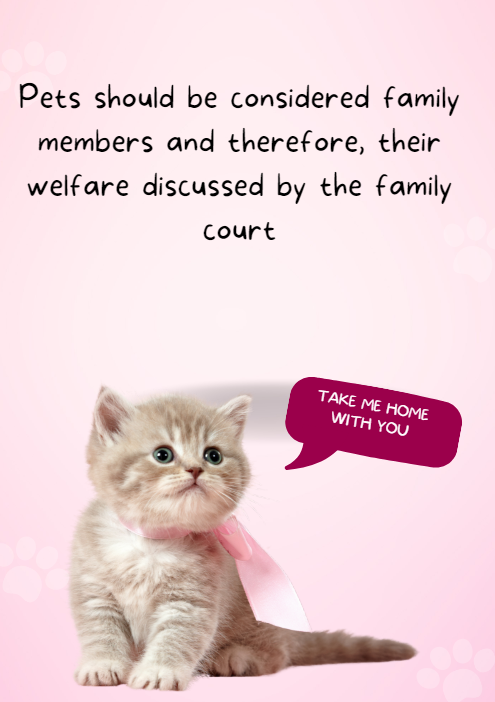
Have you noticed that it seems like everyone’s got a furry friend these days, and not so many babies? Parks are full of dog walkers, not strollers, you know what I mean? This is one of the things we’ll talk about in this lesson.
I was actually planning to publish this when I was not so busy with classes and teacher’s sessions, but I could not wait to get this into your hands because it is a lesson that worked really well. So before I forget, here it is! A lesson plan for C1 students about the animal kingdom and endangered species.

What you will find in this post is:

  • 2 Warm-up Activities
  • Revising and introducing the name of some animals
  • Vocabulary to talk about endangered species
  • Personalized Listening Comprehension
  • Grammar Game: Impersonal Passive
  • Out of their Seats: Controversial statements + some help
Warm-Up One: Sparking Discussion

If you have been reading me for some time, you know how much I like to play with IA, so to engage my students and spark discussion I have generated this image using Microsoft Designer.

In my experience, displaying the image is enough to create debate, but in case you need it, here is some help.

Question: It’s interesting to note the trend of more people opting for pets over having children. What do you think are some of the factors driving this shift in lifestyle choices?

Follow-up Questions: Have you observed this trend in your own social circles or community? How prevalent do you think it is? What do you believe are some of the advantages and disadvantages of having pets instead of children?

Warm-Up Two: Revising Animal Names Students already Know

Building upon prior knowledge is essential for effective learning, wouldn’t you agree?

In this spirit, I have asked my  C1 students to write a list of 10 wild animals excluding the usual : tiger, elephant, lion, zebra…. OK, you get it! I have given them one minute, and we have written the most interesting ones on the board, practising pronunciation.

Ready to revise and introduce some new ones?

Introducing New Vocabulary + Pronunciation
  • Endangered species
  • Threatened ,
  • On the verge of extinction
  • To become extinct
  • Deforestation
  • Habitat
  • Carnivore, herbivore, omnivore
  • Predator
  • food chain,
  • environmentalist,
  • ecosystem,
  • conservation effort,
  • global warming, recover,
  • vulnerable,
  • reforestation,
  • poach,
  • wildlife
  • to decline,
  • overhunt, overharvest, overfish,
  • To breed in captivity,
Helping Students pronounce better:

A word of warning: I forgot to insert some pauses in-between words, so you might need to stop the audio after each word. Sorry, but I realized once I was playing it for my students and I didn’t feel like doing it all over again.

ANIMALS VOCABULARY by cristina.cabal

Personalized Listening Comprehension
PDF here

Animals Listening comprehension by cristina.cabal

If you are wondering why I like using AI so much, I think this lesson is a good example. Most of the time, I am pressed for time and I don’t feel like trawling the internet or the hundred books on the shelves of the English department looking for the right listening comprehension, so now, I just create my own listening comprehension activities with the vocabulary that is relevant for my students. In this case, I have asked ChatGPT to create the text and then used Eleven Labs to read it. Easy-peasy!!

Grammar: Animals: Fact or Myth? Working with Impersonal Passive
Grammar and exercises here

That was fun.

  • I divided the class into teams and asked Team 1 to choose an animal. A representative read the sentence aloud and all teams – and this is really important-have to work  on their notebooks writing two impersonal passive sentences for each statement. Give them about  2 minutes to write both sentences. For example:

People believe that opossums are hanging by their tails.

  • It is believed that opossums are hanging by their tails
  • Opossums are believed to be hanging by their tails
  • When time’s up, ask the representative for Team 1 to read both sentences. If both are correct, Surprise!!!!! they’ll  get 1 point. If they are wrong or one of them is wrong, shout “NO” and the first team to raise their hand have the chance to say the correct sentence and get 1 point. Click on the PASSIVE button in the infographic to check it.
  • Now, back to Team 1. Ask, do you think the statement is a fact or a myth? Hover over the picture to read the answer.


Speaking: The Three Corners.
Material: Posters
Cards: here and here
  • Take 3 pieces of paper and write the following words on each: “I AGREE”, “I DISAGREE”, and if you have many students, “I AM UNSURE”. Place these papers in different corners of your classroom.
  • Explain they will see a poster with a debatable statement about animals and they will need to choose the corner that best represents how they feel about the statement.
  •  Explain that in their corners, they will need to talk about the reasons for their choice and develop strong arguments to support their opinion, as they will be challenged by students with opposing views. Encourage the use of vocabulary.
  • Give them enough time to come up with their own arguments to justify their position.
  • After a 10-minute discussion, ask students from both corners to face each other.
  •  Battle: This is the part I like best. Ask students to choose someone from the opposing corner. Pair them up and tell them they have 5 minutes to try to convince each other, using strong arguments,  to switch corners. For drama, ask them to use the phrase: “I challenge X”.

Note: Again, using AI, I have helped my students with some ideas to support their opinion. Of course, this is entirely optional, but I felt my class needed some modelling to get started. Here you’ll find the cards for two of the statements. Animal testing here and Animals in circuses here
I know writing is missing from this lesson plan. Keep posted! It’s coming!

Follow me on


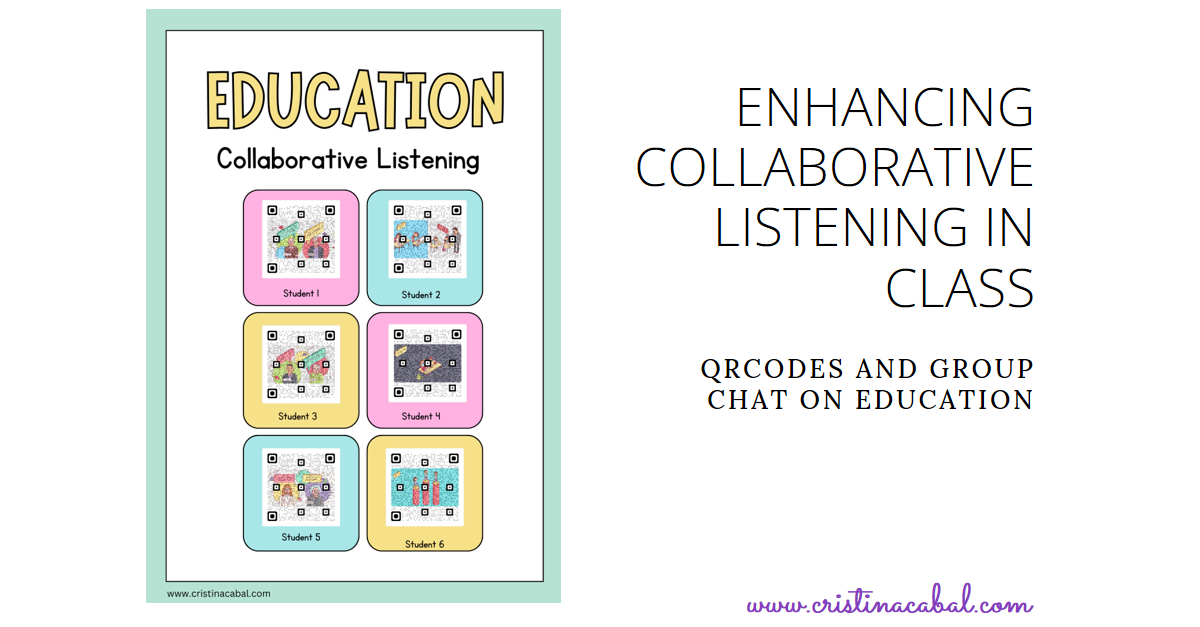
Education: Enhancing Collaborative Listening in Class using QRCodes and Group Chat

Just like everyone else on this planet, I’m dealing with a pesky flu. The good news is that I’ve almost managed to defeat it. Now I just need to regain my voice.

These days, in class, all activities revolve around the topic of Education and the problems in our education system. The video shared in this post proves to be an excellent resource for engaging discussions on these issues.

This video is perfect as it hits several birds with one stone. In the video, we’ll find a brief introduction, followed by the presentation of six potential problems in our education system.

Wondering why I say it hits several birds with one stone? On the one hand, students enhance their listening skills and work collaboratively, and on the other hand, we get a starting point to discuss the challenges in our education system. Besides, it doesn’t obviously hurt to introduce beautiful QR codes in class, does it?

Note: before the class, ask students to bring their earbuds and ensure they have a QR Code reader installed in their mobile phones/devices

LISTENING. Level. B2+
  1. Play the introduction (0:00-0:32) for the whole class.
  2. Explain that after the introduction, 6 problems related to our education system will follow.
  3. Form groups of up to 6 students and assign each student a problem.
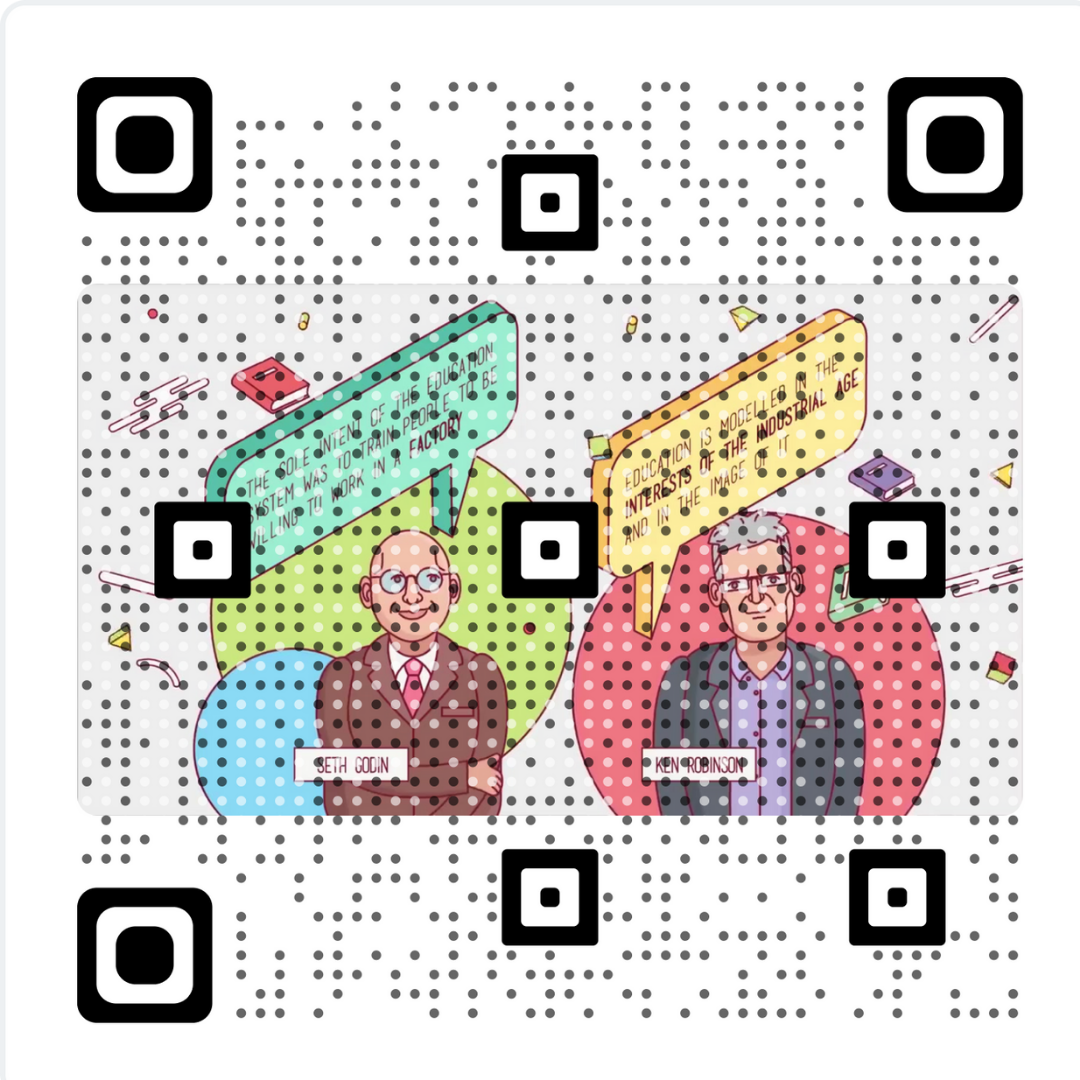
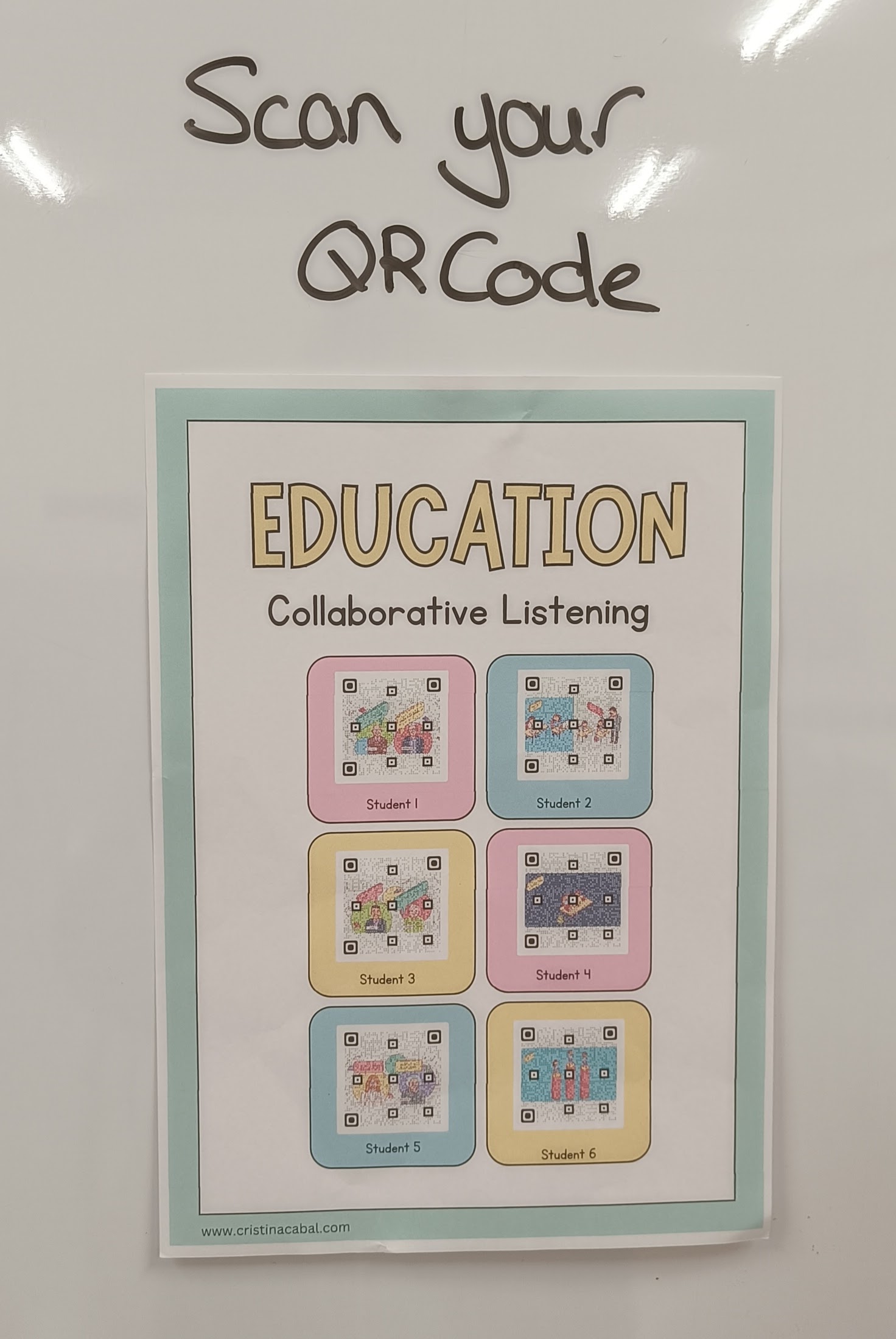
  4. Direct the students’ attention to the walls of the class, where they will find a copy containing the QR readers for each student/problem.
  5. Students scan their assigned QR Code and listen, taking notes and jotting down as much information as possible.

RETELLING AND DISCUSSING IN THEIR GROUPS

After wrapping up the listening phase, everyone in the group takes a seat. Student 1 takes the lead by sharing what they’ve gathered about their assigned issue. Once their account is complete, they invite group members to contribute with comments regarding the discussed issue. Then, it is Student 2’s turn.

These are the instructions I wrote on the board

  • Clearly state the problem
  • Summarize the information you have heard in the video
  • Ask the group’s opinion. Is it a problem in our current education system?

Note: they talked so much that we didn’t have time to discuss all the issues. I guess this is a good thing!

Materials: here