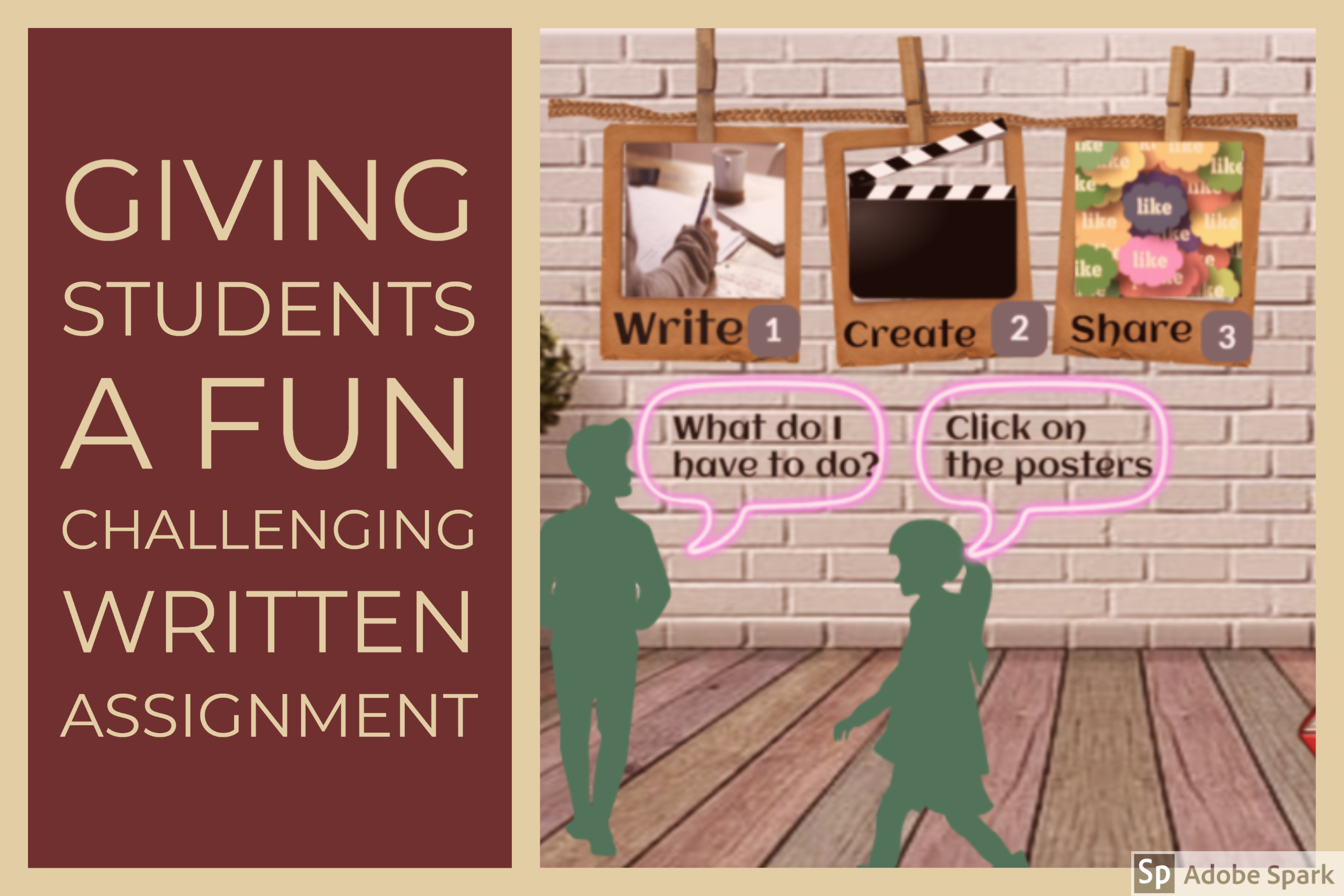
So there’s mediation written assignments, then there’s creative mediation written assignments and then, there’s ANIMATED mediation written assignments.
Naturally I am a huge supporter of anything that involves using digital tools, and this activity is packed with digital tools; not only on my end, to create and present the assignment to my students but also on their end, to animate and share their creative animated task.
Here’s what we’re working with:
I have used: Google slides, Genial.ly, the Google chrome extension Bitmoji
Students will have to use: Render Forest and then share their animate videos on a Padlet.
The activity is explained in the Genial.ly below.
Note: click on the arrows, on the bottom right corner of the Genial.ly, for a better experience. 🙂
Are you teaching remotely? You are gonna love this tool!!!!
Guess what. I have the most incredible job in the world. I love teaching. It might seem boring from the outside. Even some people might say it is repetitive; you know, always teaching the same things … but believe me when I tell you that if you are willing and committed to teaching, you can explore ways to make teaching always new for you. And this is what has kept me hooked to this job all my life. Having fun trying new things. Some work, some don’t. What I am going to share with you today, definitely works.
So, this morning I woke up well-rested and thinking about my next online lesson and racking my brains about how to make my next class memorable and effective for my students. And then, I had an aha moment and pictured a tool I had on my virtual ever-growing shelf named “Things to Try”.
The tool is called Classroom Q and below, you will get a sneak peek of what the tool can do. This is a recording of one of my classes doing different tasks. (00:10)
Why do I like it?
This tool has some ingredients that are my absolute favourites:
Simple
Free
Engaging
Interactive
and to top it all, students don’t have to register
What is ClassroomQ?
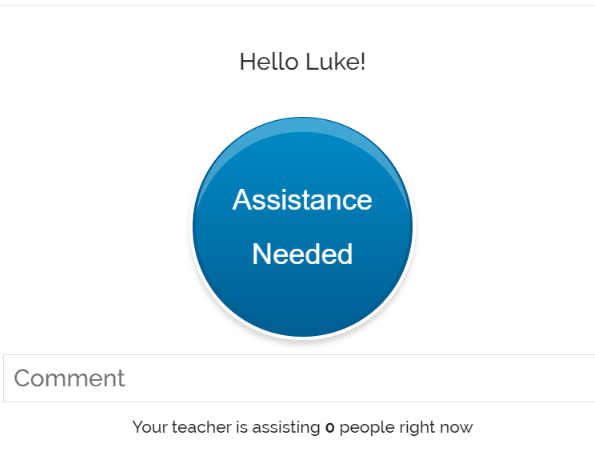
ClassroomQ was designed as a virtual hand-raising tool that lets students ask questions and wait in a queue for their teacher’s assistance. But, I have not used it for this.
ClassroomQ has an online buzzer which can be used to play games or to turn a boring exercise into a game. However, the great thing about this tool is not its buzzer, it is its Box for Comments. This is where students can write whatever assignment you have given them. It allows a maximum of 200 characters/ about 35 words)
Imagine the possibilities: from very quick answers, like “what is the past of “take?” to more complex written assignments, like writing a small paragraph containing XXX
What gets students really engaged and motivated is the possibility to interact in real-time and the added challenge of being the first to answer correctly.
You will be given a class code you will need to share with your students.
For more detailed instructions, watch these short video tutorials below
How have I used Classroom Q with my students?
Before the class:
As we are revising Sports, I created a hangman hiding vocabulary related to, obviously, sports. To get the chance to say a letter and guess the hidden word, I posed a question they needed to answer using ClassroomQ. I asked a mix of very short answers and some sentences to translate using the vocabulary in context. Classroom Q displays the answers of the first 5 fastest students. You can make room for another student to move up the queue by clicking on the name of one student and deleting them from the queue. They can also remove themselves from the queue by clicking their Cancel Button.
For more details, I have recorded these short video tutorials where I explain in detail how the tool works.
Hello!!!Hiya!!! Still in confinement in Spain. What about you, guys?
I have to say that I am pretty busy (thank God for this) with all the projects I am involved in. One of the things that has kept me very busy is looking into ways of making my online classes more interactive, more like they used to be when I was teaching face to face and having fun with my students.
To be honest. My classes are not the same. They cannot be. I miss that.
Just a couple of posts ago, I wrote about a very nice little tool you could use to create a set of interactive whiteboards with just a click. Here. It was useful but …. when I used it, it realized I needed much more. I wanted to have the possibility of:
Assigning a slide to each student in case I needed to give them different assignments.
Choosing the layout of the interactive board.
Inserting images
Changing the size of the board in case they needed to write more than a sentence or more than a paragraph.
Correcting their assignment synchronously or asynchronously.
Being 100% in control of the interactive boards
And then, I had like an epiphany moment and realized that I had been working for a long time with a tool that did that and … much more: Google Slides.
Just below, you will see a 10-second video of my students working on Google slides on a translation activity I designed for my online class this week. Prior to the class I had, of course, decided what kind of assignment I was going to give them and done a number of things: I had chosen the layout for the first slide (size, font, font size) and inserted an image. Then, I had duplicated it and assigned a slide to each student. So, this is basically the idea.
Note: notice how Student 4 is writing. The highlighted words in yellow indicate where students have made a mistake that needs to be corrected.
If you get the gist of how this works, you can stop reading right now. But, if you need some guidance, I have prepared some video tutorials. I will give you a heads up of the content in each one so that you can skip the ones that do not interest you. The videos are in Spanish but there are some guidelines in English and they are easy to follow. I also help Spanish teachers introduce technology in their classes so I don’t feel like recording tutorials in two languages and, to be honest, Spanish is easier for me.
Before you jump right into the tutorials, let me share with you some ideas of written work using Google Slides for small written assignments.
translating sentences
revising vocabulary and asking students to come up with a sentence.
Assigning three words and some connectors to each student and asking them to write a small paragraph
Chain stories
Minisagas: 50 words
Picture description
Assigning each student a word and ask them to write a small quiz with three options for the definition of the word: two incorrect and one correct
For bigger written assignments like book reports, you will need to change the size of the slide.
Part 1: Introduction. 1:45 (only in Spanish, so skip this part if you don't know my mother tongue)
Part 2: How to create our first slide, how to delete a slide and how to duplicate it. (1:26)
Part 3: Our first slide and how to assign each student a different slide (4:05)
Part 4: How to change the size of our slide (0:41)
Part 5: How to share the presentation with our students (o:44)
Part 6: How to see all the slides at the same time and how I correct students' written work (0:48)
These long, long days at home make us crave for new things which break, even for a little while, routine.
I know you might come with a better idea or a funnier thing to do than dedicating some time to brushing up your listening skills. Yep. I am pretty sure you can come up with a few. But, and this is a big BUT, probably not as necessary or useful. Today, I am going to suggest a site I think you are going to love 😆 and that is going to help you improve your listening skills.
So, have a look.
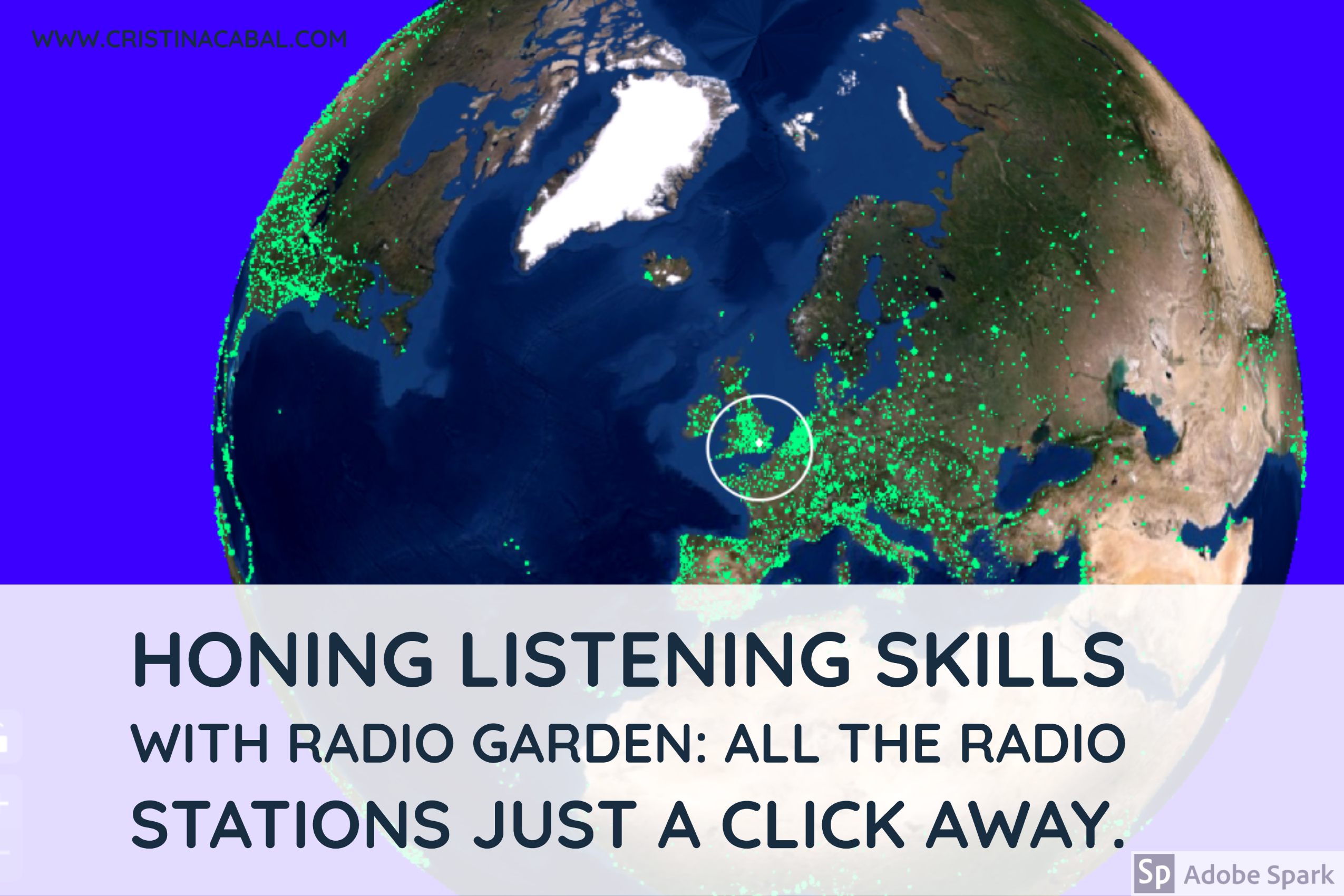
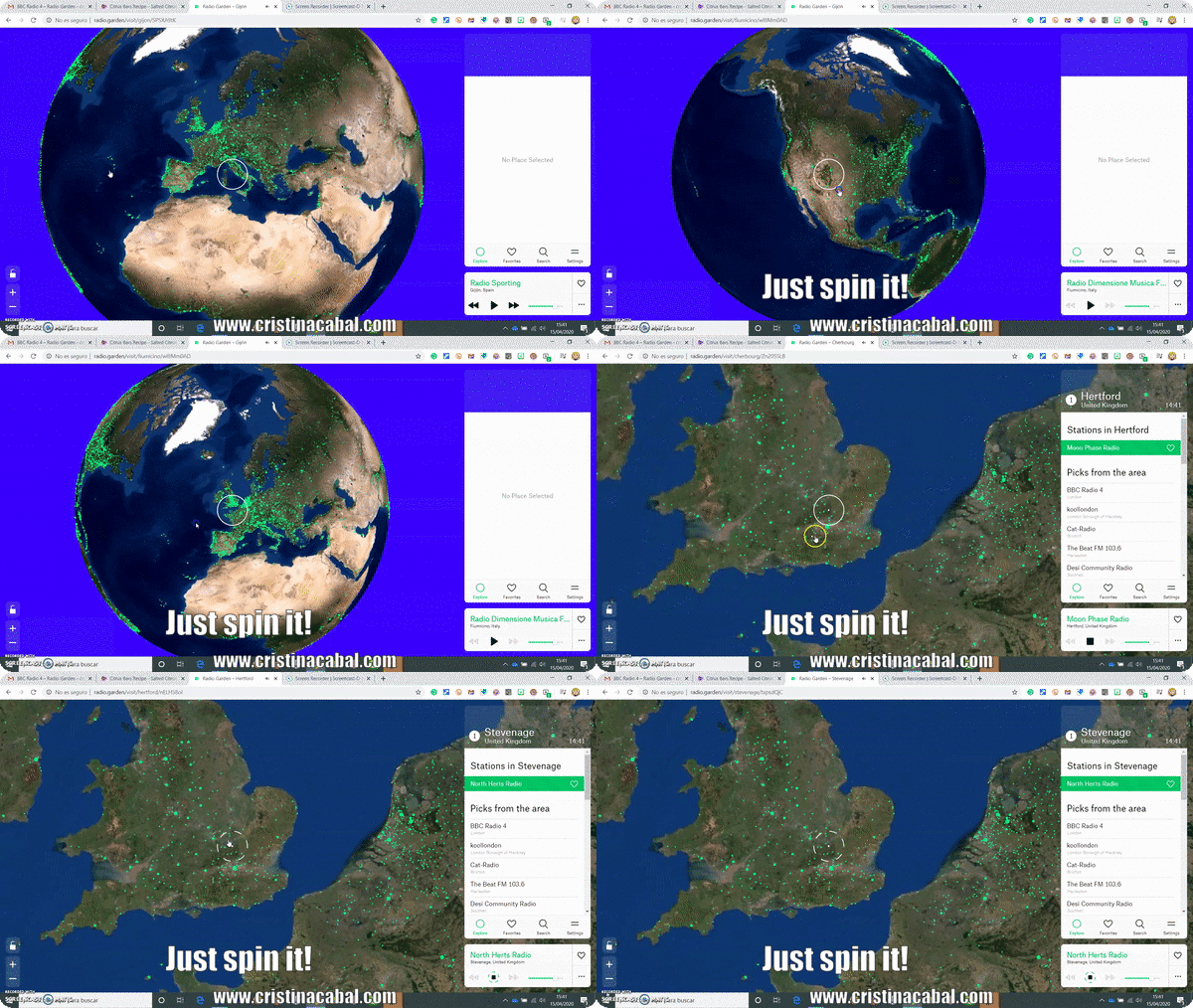
It is a website called Radio Garden, which allows you to tune into live radio stations around the world. Anywhere in the world. And my favourite part is how you find the radio stations: the interface of the website shows a 3D globe you can spin. You will see hundreds of glowing green dots representing cities or towns all around the globe with radio stations. Click on one of these dots, choose a radio station and let’s get down to some serious listening time.
Here, in Spain, we are beginning our fifth week of quarantine. A few days before lockdown, I asked my students to go to the school library and borrow a book to read. Some of them could not attend that day for various reasons – I never ask, they are adults- and therefore could not borrow the book. Their problem now is that confined at home, some of them are finding it difficult to get their hands on a graded book in English. No worries! I’ve got you covered!
But before sharing with you this site, let me tell you the story of a time in my life when I almost hated reading.
Why I don't select reading books for my students
I never tell my students which book to read. I have always enjoyed reading, not the point of being called a bookworm, but pretty close. However, when I was at university I was asked to read tons of books, compulsory books someone had decided for me. Every literature teacher had a long reading list of books we had to read if we wanted to pass his or her subject. No point in cheating. Some teachers in exams , to make sure we had read them, simply wrote a paragraph from a chapter in the book and we were asked to write what went before and after the paragraph. They thought they were being smart! I thought they were nuts!
These teachers almost made me hate reading. Almost. So I promised myself that if I ever got the chance to decide on this matter, I would never pick a compulsory book for my students. I would just take them to the library and let them choose something that would engage them. This is what I have been doing for a very long time and have never regretted my decision. I find that students read more and learn more if they are allowed to select their own books.
But, enough of my ramblings and let’s get back to the part where my students are at home, confined, but still in need to find a nice graded book to read. And this is where I need to thank María Argente del Castillo for bringing English e-Reader to my attention.
What is English E-Reader and why do I like it?
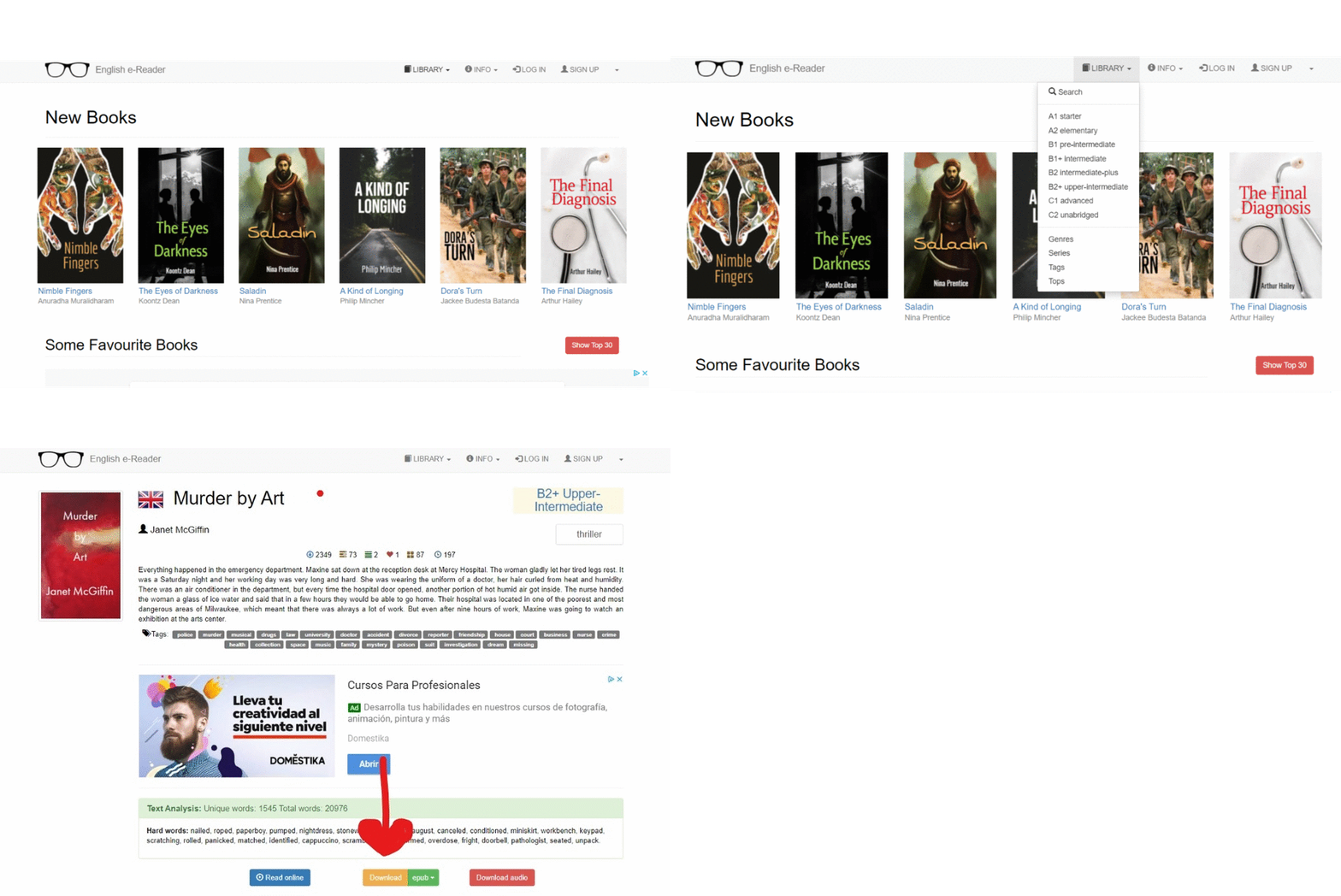
English e-Reader offers one of the biggest online libraries of graded e-books. Here, you can find plenty of ebooks in different digital formats: epub, fb2, mobi, rtf, txt, as well as audiobooks in mp3 format. You can download the ebook of your choice and if you sign up, you can read it online for free.
Most books in this website are graded (also called adapted) by levels: from Starter (A1) to Advanced C1, but you can also find unabridged books suitable for level C2.
Now, choose your book and let’s enjoy reading!